
May 25, 2026
Agent Performance Tracking Real Estate: How Brokerages Use Data to Coach and Close More
Real estate brokerages generate more data than ever before, but many still struggle to turn that information into actionable coaching…

Your website, your property search, and your marketing all working together in one platform.

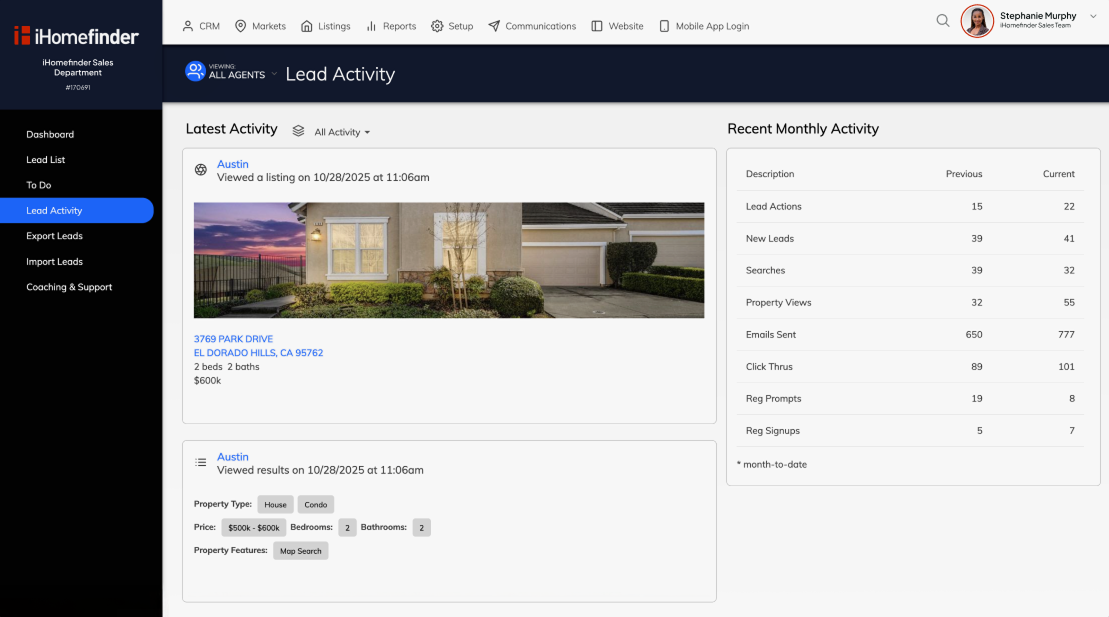

SEO’d market pages + in-moment prompts turn visitors into leads.

Instant speed-to-lead alerts route the right agent in seconds.

Behavior-based automation keeps warm leads moving.
Built around your brand, your market, your listings. Plug into virtually any CMS or go fully custom — either way, every visitor is captured, tracked, and followed up with automatically.
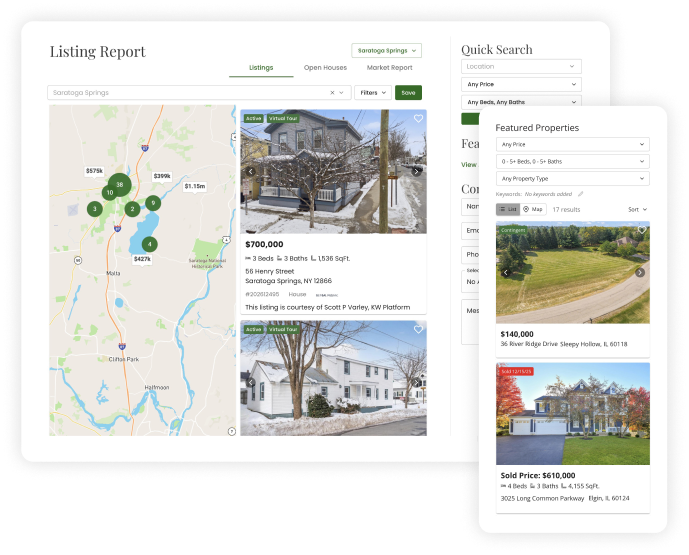
When your CRM and IDX are one system, every property search, every saved listing, every alert opened lands right on the contact record. You always know who to call.
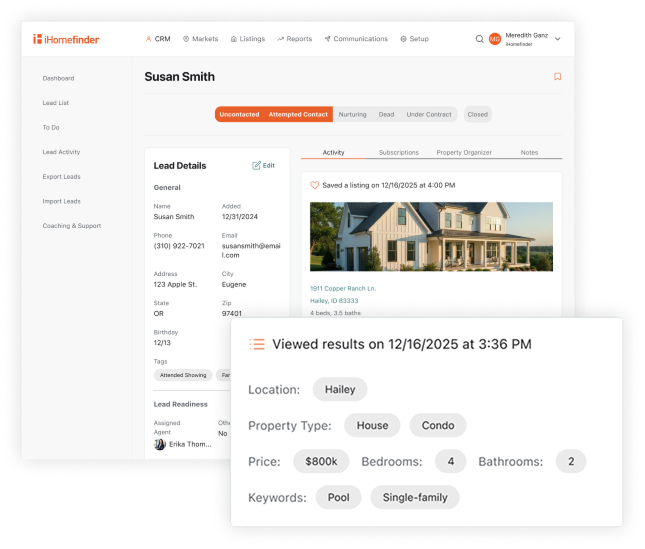
Listing alerts, market updates, drip campaigns, and social posts powered by your MLS data — all running on autopilot so no lead ever goes cold.
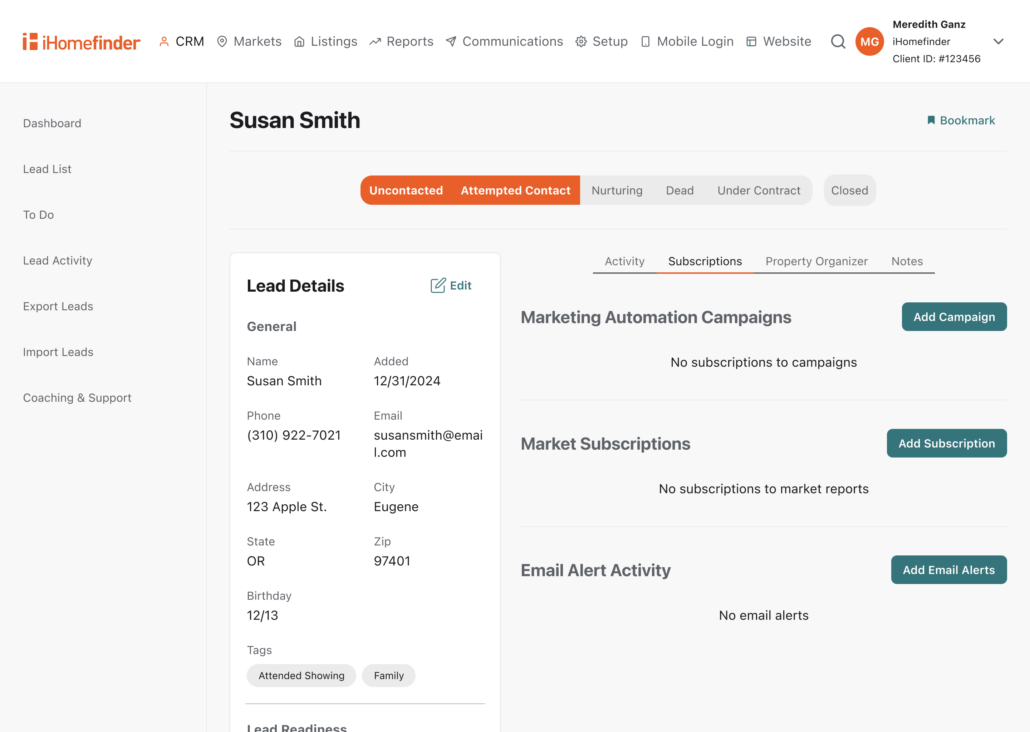
AI that creates your content and writes your emails using your voice and market data. You stay visible without doing the work and your leads stay engaged.
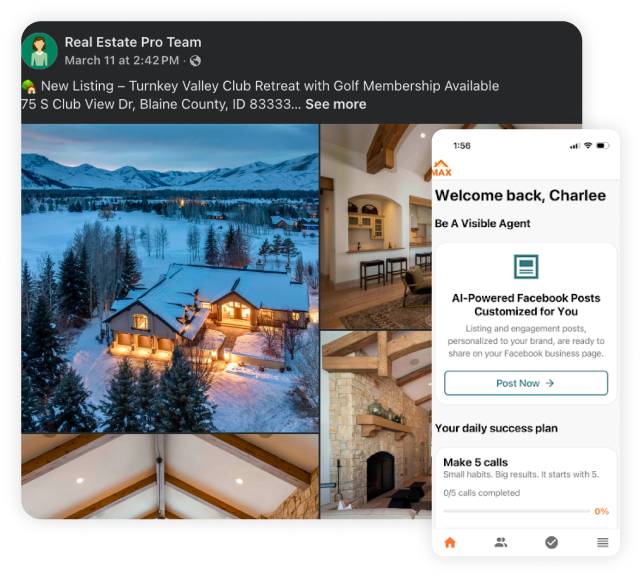
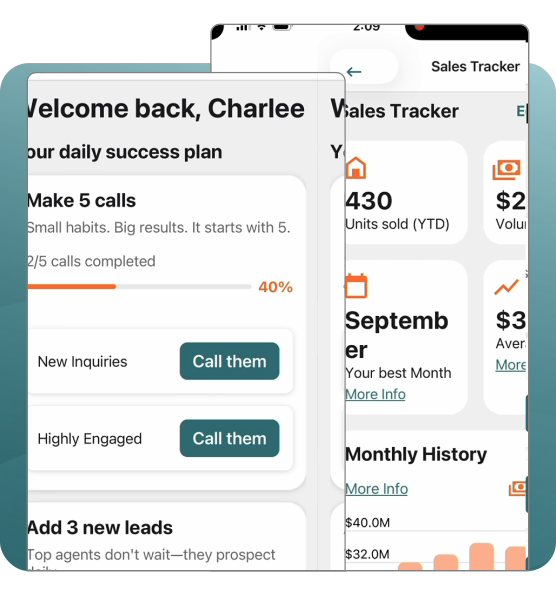
Push alerts when a lead gets active. A daily game plan that tells you who to call. Follow-up you can fire off between showings — all from your phone.

Rick Smenner rebuilt his entire business after relocating to a new state — using iHomefinder as his single system for leads, follow-up, and closings.

“The software is reliable, the IDX feed works great, and their support—especially is top-tier”


“They have designed a product that integrates seamlessly with my website. Plus, the backend is highly customizable. I have everything in one place”
“We have been incredibly satisfied with our entire iHomefinder experience and feel it has definitely enhanced the professional look of our business.”

Real estate brokerages generate more data than ever before, but many still struggle to turn that information into actionable coaching…

Real estate leads rarely convert after a single interaction. A buyer might browse listings for months before scheduling a showing,…

Real estate leads move fast. A buyer might browse listings at lunch, request info on a home, and connect with…

A real estate CRM with IDX connects your website, property search, and lead management into one system. Instead of juggling…
Take iHomefinder for a two week test drive. It all starts with a 15 minute demo.