

As real estate agents and brokers, it is important to stay ahead of the competition. That means having detailed neighborhood profiles on your website that help potential buyers learn about the area they’re interested in. Now with AI-driven solutions for producing content, you can easily create custom neighborhood pages for your website quickly and without a hassle! We understand how hard it can be to spend any time writing content, but this new AI technology will take some of the load off your shoulders by generating content that’s optimized for search engines as well. Read on to learn more about how easy it is to make customized neighborhood pages with AI!
Benefits of Custom Neighborhood Pages
There are two primary reasons why your neighborhood pages should include helpful neighborhood information to compliment listing information:
Trust & Lead Generation
By making your neighborhood pages more educational with neighborhood insights and details, potential buyers can really get to know the communities you work in and envision themselves living there. Your tailored approach will help them feel confident that you are the go-to expert for their real estate needs, giving them that extra nudge to contact you.
SEO & Audience Reach
You need custom content to stand out in a crowded digital space and to improve your SEO efforts. Custom content has become a buzzword in the world of Search Engine Optimization (SEO) and audience reach. Gone are the days when one-size-fits-all content could appeal to the masses. In today’s digital era, personalization is key, and custom content is becoming increasingly essential in attracting and retaining audiences.
When done right, custom content can work wonders on the SERPs (search engine results pages) and bring more traffic to your website. By targeting specific keywords and topics that resonate with your ideal audience, you’ll increase your chances of ranking higher in search engine results. This, in turn, can lead to increased brand visibility for you and more business. If you want to grow your online presence and reach your target audience, it’s definitely worth the small amount of time it can take using AI content tools.
Tips to Get Started with Creating Your Own Custom Neighborhood Pages
Don’t feel like you need to tackle every neighborhood at once – start with one or two that you’re especially familiar with. Secondly, think about what kind of information you would want to see if you were researching a community. Local history? Fun things to do? Shops and restaurants? Schools and amenities? Use those categories to structure your page content.
Next, with an AI content tool like Jasper Chat, Writesonic, and Anyword, you can ask the service these questions and prompt them to write a little bit more about them. You can then copy and paste the content into your neighborhood pages. It’s that simple!
Finally, don’t forget to include plenty of eye-catching neighborhood photos, and you can directly embed dynamic MarketBoost reports for active/sold/pending listings, open homes, and market stats! Or you could embed a map search instance on the page, set with the neighborhood as the default map location.
Resources
Schedule A Demo
Reserve a personal 15-minute demo & consultation with an account executive.
Free Trial
If you don’t have an iHomefinder account, start your 30-day free trial which includes our Agent CRM and Optima Leads, our mobile app for agents.
Upgrade Your Account
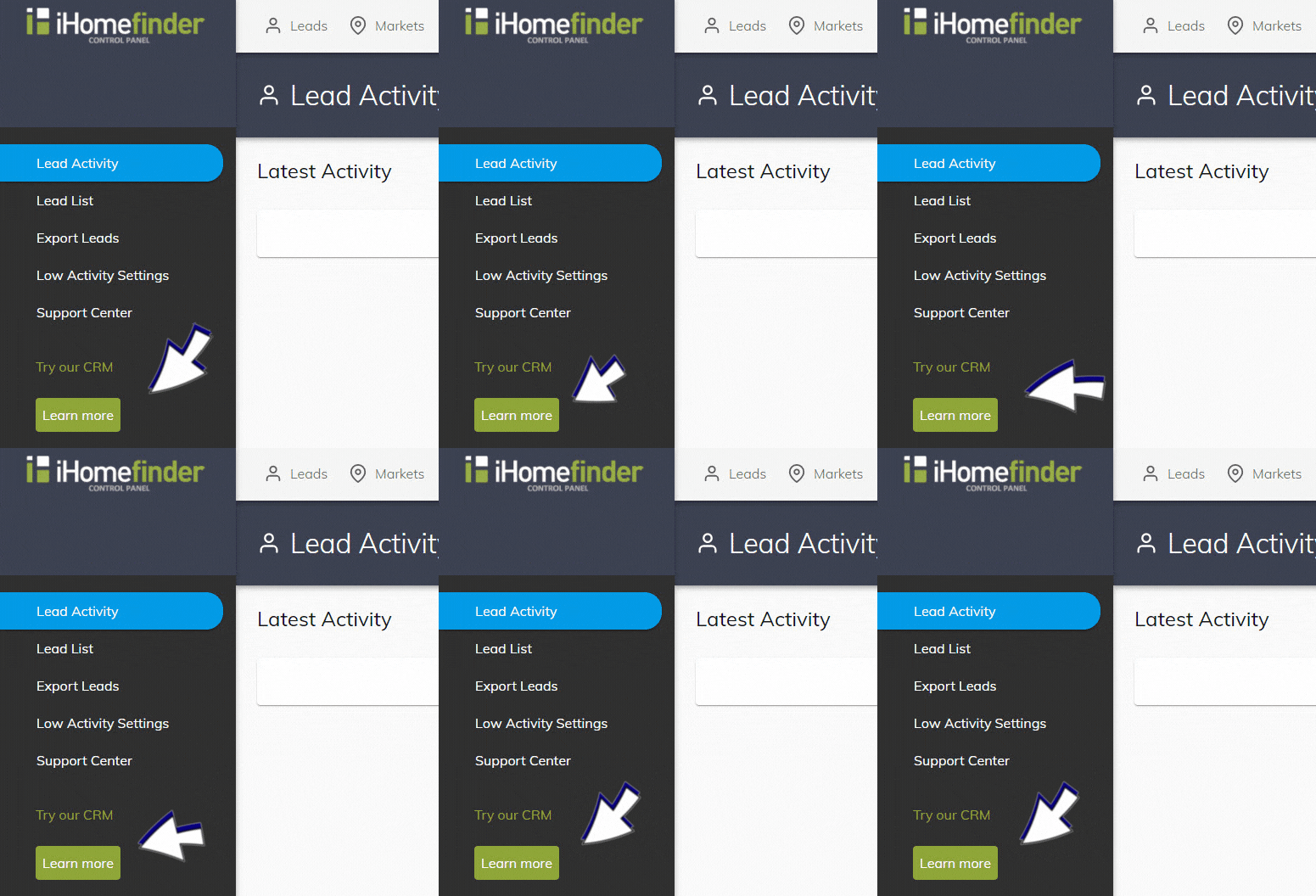
If you have an agent account plan, you can activate the CRM in your IDX Control Panel (shown below). Underneath “Try our CRM”, select the green “Learn more” button. Once activated, you can use the CRM without charge for 2 weeks.
Webinars
Save your spot for our next monthly webinar for an introduction to iHomefinder account features and benefits, or watch a recording.
Support
Our Support Center is full of resources like our searchable Knowledge Base and training webinars to help you get the most value from your account.
Contact Us
Send us your questions, we’re here to help!
Recent Articles
[av_postslider link=’category,723,722′ wc_prod_visible=” prod_order_by=” prod_order=” date_filter=” date_filter_start=” date_filter_end=” date_filter_format=’yy/mm/dd’ items=’-1′ offset=’0′ contents=’excerpt’ columns=’5′ preview_mode=’auto’ image_size=’portfolio’ autoplay=’no’ interval=’5′ alb_description=” id=” custom_class=” av_uid=’av-kijk506k’]