Market Pages

A page for every neighborhood you sell in.

Turn the markets you know best into pages that attract buyers, keep them coming back, and keep working without you.

Get Found Locally

The searches happening in your market aren’t finding you.

Buyers aren’t just searching for an agent. They’re searching for places to live: specific neighborhoods, communities, school districts, and types of homes.

Market pages give those searches somewhere to land on your website.

Enhanced Community Pages

Be the agent who knows the neighborhood.

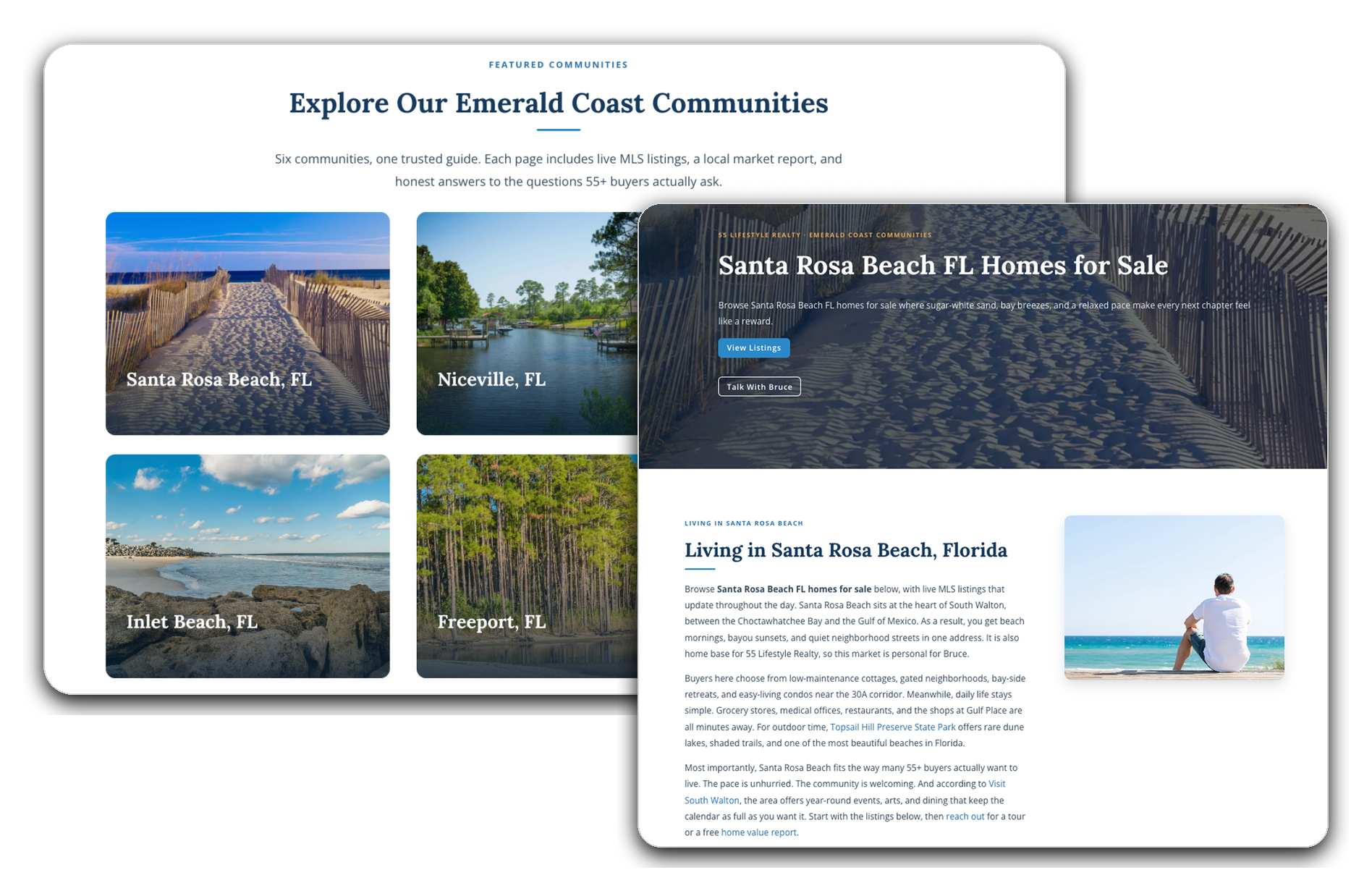
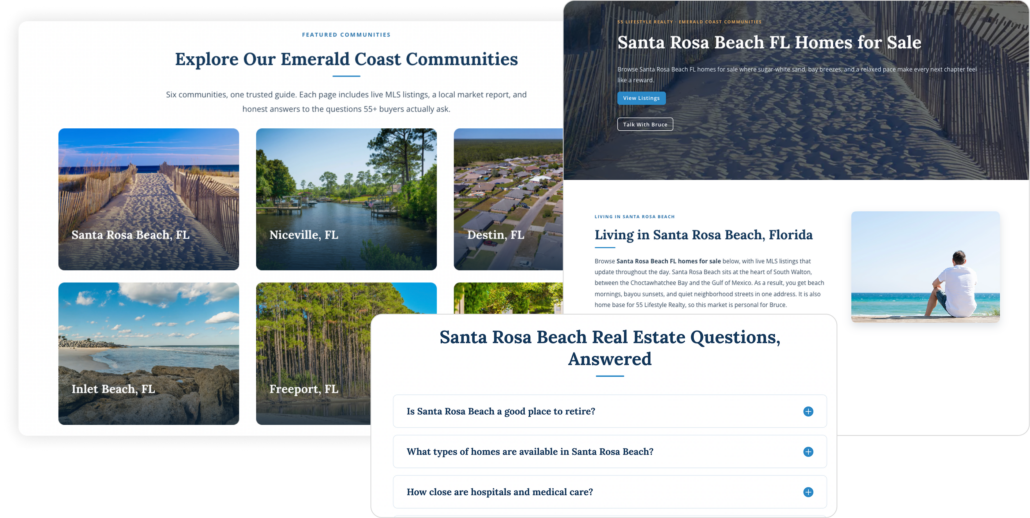
A Market Page shows what’s for sale. An Enhanced Community Page tells a buyer what it’s like to live there, so when they’re deciding on an area, your page is the one that helped.

  • Any area, defined your way

    A neighborhood, a ZIP code, a custom boundary, or a search like “waterfront homes in Lakeside.”
  • Your local knowledge, on the page

    Schools, commute, housing styles, who it suits. The things you tell every buyer, written down where Google and AI search can find them.
  • Questions answered before they ask

    Built-in FAQs cover what buyers are already asking about the area, so you’re the answer instead of a portal.
Market Reports

The market data buyers want, already on your page.

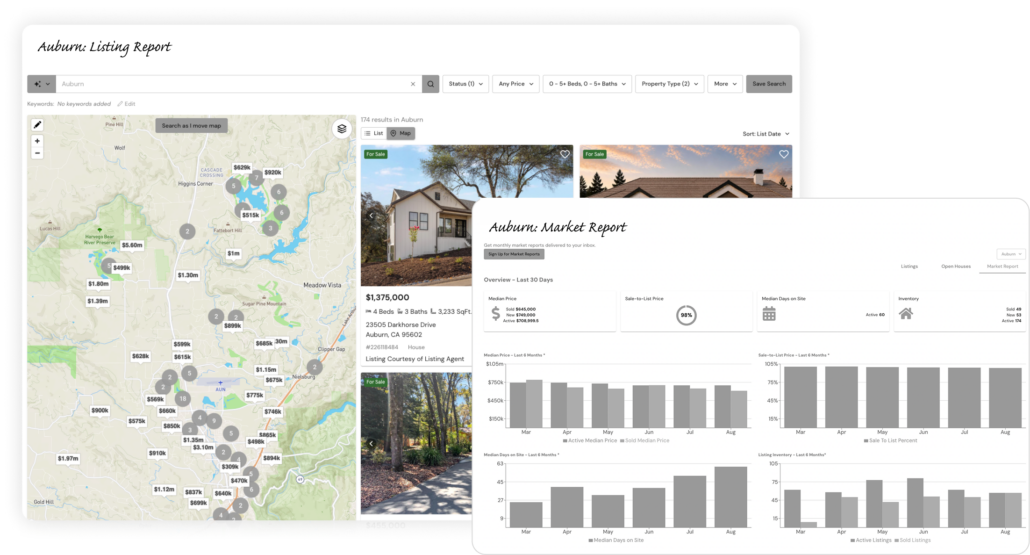
Three live reports from your MLS data keep the page current and make you the source for what’s happening in the area.

  • Market report

    Inventory, pricing, and trends, monthly. You can quote the market without pulling a single stat.
  • Listing report

    Active and recently sold homes, updated daily. Buyers see what’s moving and come back to check.
  • Open house report

    Every upcoming open house, automatically. A reason to visit the page every weekend.
Know Who’s Looking

See which neighborhoods each buyer is serious about.

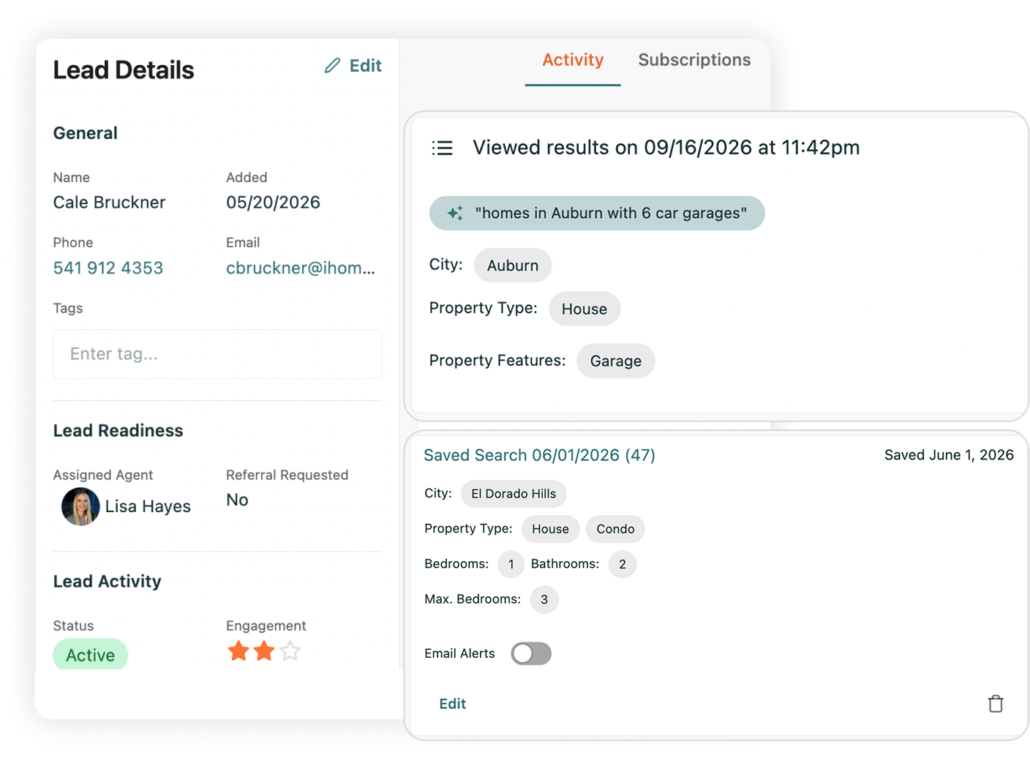
A listing search tells you what homes someone clicked. A Market Page subscription tells you where they want to live. Every return visit adds to the picture.

  • Search Activity

    The areas, properties, and price ranges each buyer keeps exploring.
  • Saved Favorites

    Which homes made their short list.
  • Engagement Signals

    See when a buyer is back on the same neighborhood page three nights in a row. That’s your cue to call.
How It Works

Pick the area. The data fills itself in.

Choose the market you want to own, add your local expertise, and iHomefinder keeps the data and engagement running in the background.

1

Choose Your Market

Pick a neighborhood, ZIP code, custom boundary, or search criteria.

2

The Page Builds Itself

Live listings, recent sales, open houses, and market data fill in automatically.

3

Add What You Know

Local details buyers care about, from schools and commute to housing styles.

4

Buyers Subscribe

Alerts and market updates keep bringing them back.

The iHomefinder Difference

Turn local expertise into lasting visibility.

Market Pages turn what you know about your market into pages that stay current and keep working long after you build them.

Built to Rank

Every page is structured for Google and AI search.

Never Goes Stale

Live MLS data keeps the page fresh without you touching it.

Compounds

Every market you add strengthens the ones you already have.

Feeds Your Pipeline

Visitors become leads in your CRM with their activity attached.

Keep giving buyers new ways to find you.

Turn your market knowledge into fresh blog and social content without starting from scratch.

Own the neighborhoods you know best.

Take iHomefinder for a two week test drive. It all starts with a 15 minute demo.