

If you are a real estate agent building a brand, you likely appreciate Wix for its stunning templates and drag-and-drop simplicity. It allows you to create a professional online presence without needing a degree in computer science. But for agents, a pretty website isn’t enough. You need functionality—specifically, the ability to display up-to-date MLS listings directly on your site.
This brings up a common question: Can you use IDX with Wix?
The short answer is yes. While Wix does not have a built-in MLS connection out of the box, you can easily integrate IDX (Internet Data Exchange) using third-party solutions like iHomefinder.
Here is everything you need to know about connecting MLS data to your Wix website.
>> Transform your website now with the Wix real estate app for iHomefinder.
What IDX Means for a Wix Real Estate Website
To understand why this integration is vital, we first need to look at what IDX actually does. IDX is the policy and software standard that allows real estate agents to display MLS data on their personal websites. IDX pages are essential for displaying MLS property listings directly on your website, making it possible for visitors to browse available homes. Without it, the public cannot browse live listings on your site.
Adding IDX to Wix bridges the gap between your design and the local housing market. It allows you to:
- Enable MLS Property Search: Give visitors access to accurate, up-to-date listing data.
- Keep Visitors on Your Site: If users can’t search for homes on your page, they will go to Zillow or Realtor.com. IDX keeps them browsing your URL.
- Convert Traffic into Leads: Casual browsers turn into clients when they register to save a search or view a specific property.
IDX allows buyers to search for homes on a real estate agent’s website and see all the same listings available on other real estate websites. This ensures your site offers the same comprehensive property search experience as major real estate platforms.
If you want your website to be a tool for business growth rather than just a digital business card, IDX is an essential addition.
How IDX Works on Wix
Wix is a fantastic content management system, but it isn’t a dedicated real estate platform by nature. This means it doesn’t natively “speak” the language of your MLS board. To make the connection, you need a translator—in this case, an app.
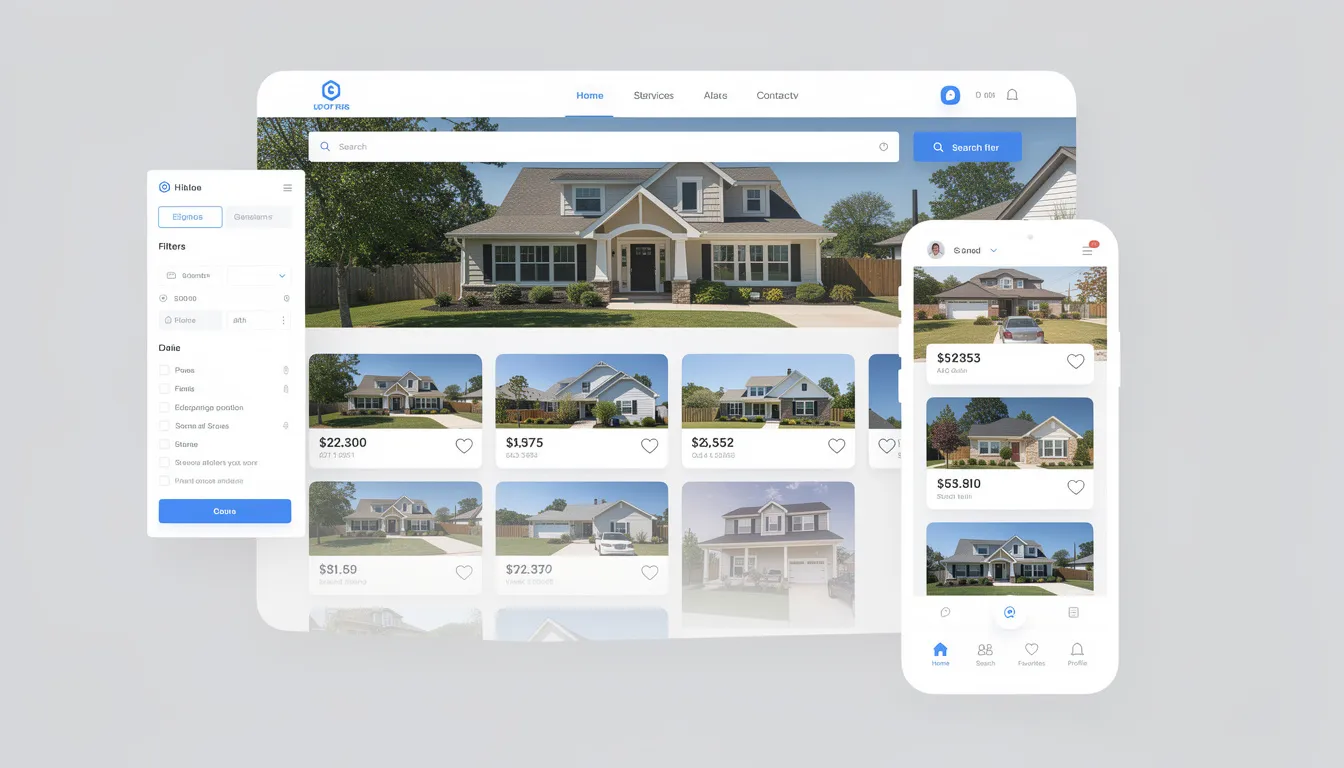
There are generally two ways to handle this integration:
- The Easy Way (App Market): Use a pre-built solution like the iHomefinder real estate app and CRM found directly in the Wix App Market. This optimized, Wix-compatible code and does not require users to work with code or html, making it easy to embed MLS and IDX listings seamlessly without any technical skills.
- The Advanced Way (Velo by Wix): For those with development skills or a hired coding team, Velo allows for custom API integrations. This offers flexibility but is often overkill (and over budget) for most agents. The MLS Router™ API supports integrations with Wix for organic flow of MLS listings, making it a robust option for those seeking advanced solutions.
For the vast majority of real estate professionals, the App Market route provides the perfect balance of power and ease of use.
iHomefinder Real Estate App: The Best Wix IDX Solution
iHomefinder is the gold standard for adding property search to Wix. In fact, it’s designed to seamlessly blend MLS data into your existing Wix template, ensuring your brand looks consistent while offering powerful search tools.
When using the app, users will need to set up an account or trial account as part of the onboarding process, making it easy to get started and explore its features.
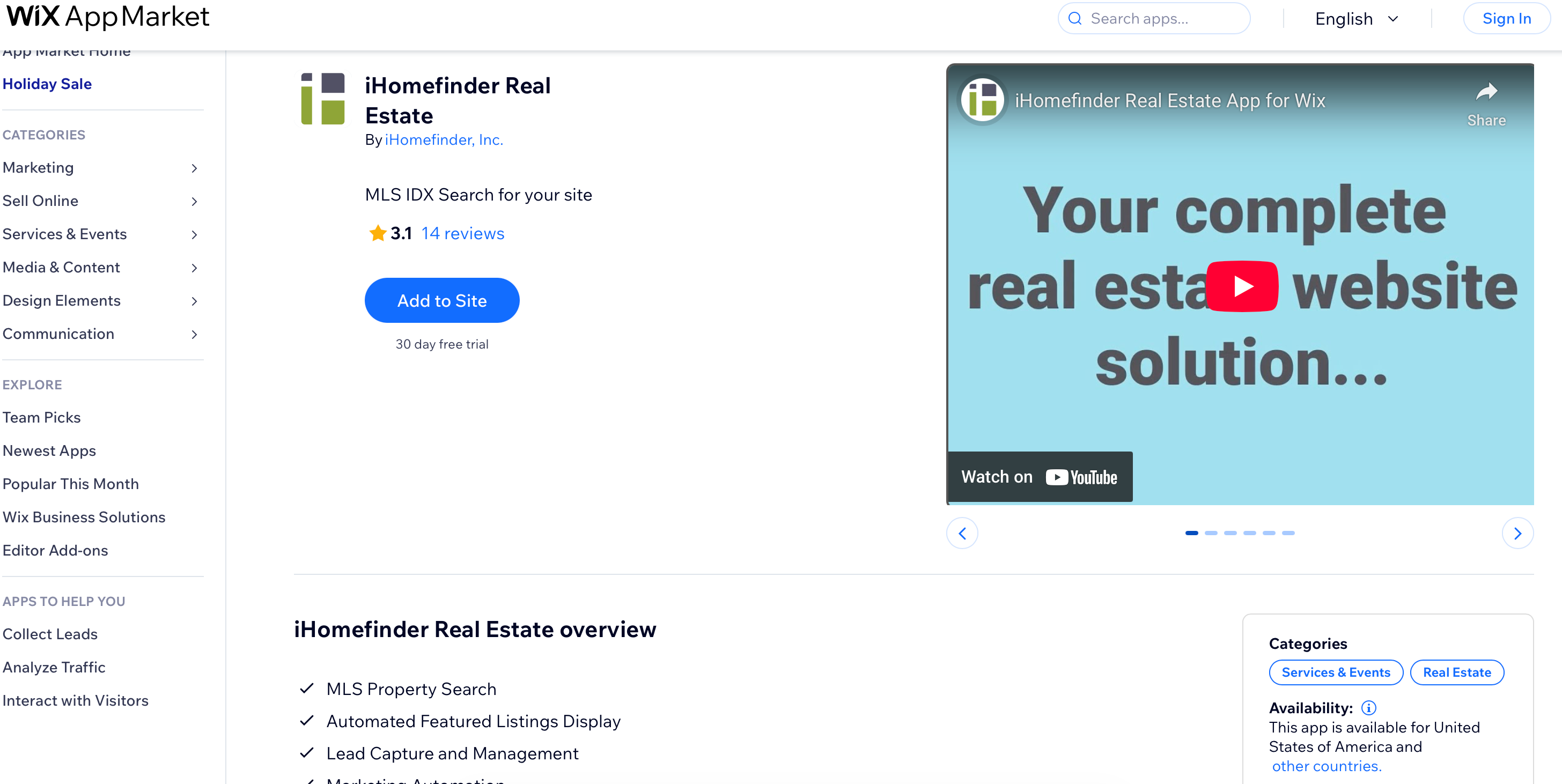
How iHomefinder Stands Out
The most significant advantage of using iHomefinder Max with Wix is how it handles data. Many older IDX solutions use “iframes,” which essentially act like a window to another website. Google struggles to “see” inside iframes, meaning you don’t get SEO credit for the listings.
iHomefinder indexes IDX content directly on your domain without using iframes or subdomains. IDX widgets and MLS search features are embedded directly within your website pages, so all property listings and search results are displayed seamlessly on your main site. This means that when someone searches for a specific address in your area, your website has a much better chance of appearing in the search results.
Key features include:
- Integrated Search: A fully functional search bar that fits your site’s design.
- Automated Featured Listings: Highlight your own active listings automatically.
- Lead Capture: Built-in forms for scheduling showings or requesting info.
- Marketing Automation: Tools to nurture leads after they sign up.
Feature Breakdown: What Wix IDX Can Do
Once you have installed the app, your Wix site gains a suite of features that rival expensive, custom-built real estate platforms.
MLS Search and Listings
Your visitors get a modern, map-based search experience. They can filter by price, beds, baths, and property type. Because the feed comes directly from the MLS, the data updates automatically. You never have to worry about displaying a home that sold three weeks ago.
Lead Capture Opportunities
The primary goal of your site is to generate business. The integration places calls-to-action (CTAs) strategically throughout the search experience. You can require visitors to register to view detailed property information, turning anonymous traffic into actionable names and email numbers.
SEO and Domain Authority
As mentioned earlier, SEO is a major factor. By having listing pages indexed on your URL (e.g., www.yourname.com/123-main-street), you build domain authority. Over time, this helps your site rank for local real estate keywords, driving organic traffic without paying for ads.
Custom Display and Branding
You didn’t choose a Wix template just to have an ugly search bar ruin the aesthetic. The integration allows you to customize colors and fonts to match your brand, ensuring a cohesive look from the homepage to the listing details.
What IDX With Wix Doesn’t Do Natively
It is important to manage expectations. Wix is a generalist website builder. It does not automatically link to the MLS without that third-party app. There is no hidden switch in the Wix dashboard that says “Turn on Real Estate Mode.”
Furthermore, while the integration is powerful, super-advanced CRM capabilities or highly complex, custom-coded search widgets might require external tools or additional configuration. However, for the core needs of attracting buyers and sellers, the iHomefinder integration covers all the necessary bases.
Pros and Cons of IDX on Wix
Is this the right route for your business? Weighing the advantages and disadvantages can help you decide.
Pros
- Simplicity: It is incredibly easy to add IDX using the iHomefinder app. If you can drag and drop an image, you can set this up.
- Branding: Listings appear within your domain and branding, maintaining a professional image.
- SEO Benefits: Indexable content helps you compete with larger portals in search results.
- All-in-One Marketing: You get lead capture and email automation tools included with the search functionality.
Cons
- Third-Party Cost: While Wix has its own subscription, the IDX feed and app often come with their own monthly or annual fees.
Adding IDX to Your Wix Site
Ready to transform your site? Here is the straightforward process to get started by using the Wix real estate app:
- Open the App Market: Log in to your Wix editor and navigate to the App Market.
- Search for the App: Type in “iHomefinder Real Estate” and select the app.
- Install: Click “Add to Site.”
- Start a Trial: Sign up to test the MLS search capabilities and see how the lead capture forms look on your live site. You may need to request a demo key or additional information to access certain features. After the trial period, you can upgrade to a paid account to continue.
- Connect Your MLS: This is the most critical step. You will work with the iHomefinder support team to get your specific MLS board connected. This usually involves signing some digital paperwork.
- Configure & Design: Drag the search widgets to your homepage. Adjust the colors to match your brand. Set up your featured listings.
- Publish: Hit publish and start directing clients to your new property search hub.
With these tools, you can launch your real estate website quickly and easily, providing a seamless experience for your clients.
Improving the User Experience
A strong real estate website makes it easy for visitors to find what they want—and take the next step. A well-designed user experience starts with a fast, intuitive property search that helps buyers quickly narrow down listings and discover homes that match their needs.
Personalized listing recommendations keep visitors engaged, while built-in lead capture tools allow them to save searches, request showings, or ask questions without friction. Behind the scenes, CRM integration ensures every inquiry is tracked and followed up automatically, so no lead is lost.
Optimized code and responsive design round out the experience by ensuring your Wix site loads quickly and works seamlessly across desktop and mobile devices. Together, these UX improvements help turn casual visitors into serious prospects—and your website into a reliable lead-generation tool.
Best Practices for Real Estate Agents
To maximize the impact of your Wix website and IDX integration, it’s important to follow a few best practices. Start by optimizing your site for search engines—use relevant keywords, meta tags, and location-specific content to highlight your expertise in the real estate market. Create high-quality, engaging resources that answer common client questions and showcase your knowledge of local trends.
Take advantage of the Wix App Market to find tools like the Buying Buddy Real Estate App, which can enhance your website’s functionality and improve the user experience. Focus on seamless integration of IDX content, making it easy for visitors to search for properties and connect with you. Regularly update your site with fresh listings and valuable resources to keep potential clients engaged and coming back for more.
By prioritizing SEO, leveraging the right apps, and consistently providing value, real estate agents can generate more leads, build a strong online presence, and grow a successful real estate business with their Wix website.
Conclusion
Can you use IDX with Wix? Absolutely. In fact, combining Wix’s ease of design with the power of iHomefinder’s IDX technology is a smart move for modern agents. It allows you to build a site that looks distinctively yours while providing the rigorous search tools clients expect.
By integrating these tools, you move beyond a static brochure website and create a dynamic platform that captures leads, boosts SEO, and ultimately helps you sell more homes.
Frequently Asked Questions (FAQs)
Can any agent use IDX on Wix?
Yes, provided your local MLS board allows IDX feeds (most do) and you are an active member in good standing. You will need to be approved for the data feed, a process facilitated by the app provider.
Is MLS search indexed for SEO?
If you use the iHomefinder app, yes. The technology ensures that property pages are readable by search engines and attributed to your domain, which is a massive advantage over iframe solutions.
Do I need coding skills?
No, not necessarily. If you use the app from the Wix marketplace, no coding is required. If you choose to build a custom solution using Velo, you will need some basic developer skills.
One comment
Comments are closed.