

How to Build an IDX Website That Shows Up Big
To build an IDX website, real estate agents need to choose a website platform, connect an IDX provider, integrate their MLS feed, create SEO-optimized pages, and add lead capture tools that convert traffic into clients.
In practice, that means setting up a site that doesn’t just look good—but is structured to rank in search and turn visitors into leads.
Creating a real estate website is easy. Building one that generates consistent organic traffic is a completely different challenge.
Many agents invest thousands in polished designs, only to end up with a site that’s virtually invisible on search engines. The difference usually comes down to how the website is structured—especially when it comes to property listings and search functionality.
That’s where IDX technology plays a critical role. By integrating MLS listings directly into your site, IDX transforms your website from a static brochure into a dynamic, searchable resource that buyers and sellers actually use.
When implemented correctly, an IDX website becomes a long-term growth asset. It’s one that attracts qualified traffic, captures leads, and works for your business around the clock. But getting there requires more than plugging in listings and hitting publish.
What You’ll Learn
In this guide, you’ll learn how to build an IDX website step by step, including how to:
- Choose the right platform (WordPress vs. all-in-one)
- Select and connect an IDX provider
- Create high-performing property search and listing pages
- Optimize your site for SEO from the ground up
- Add lead capture and automation tools
- Publish content that drives consistent organic traffic
There are multiple ways to build an IDX website—from custom-coded solutions to CMS platforms like WordPress or dedicated real estate website builders. But most agents will fall into one of two primary paths, which we’ll break down next.
What is An IDX Website? (Why it Matters for SEO)
An IDX (Internet Data Exchange) website allows real estate professionals to display active property listings directly from their Multiple Listing Service (MLS). Instead of manually uploading properties, the system pulls live data so visitors can search for homes directly on your domain.
Unlike public websites like Zillow or Trulia, IDX websites are tailored specifically for real estate professionals to provide accurate, real-time listings on their own branded sites.
How your site handles this MLS data integration dictates your search engine performance. Proper implementation turns thousands of listings into searchable, indexable pages that Google can read. For a deeper dive into the mechanics, read our guide on [What Is IDX in Real Estate].
What Do I Need Before Building an IDX Website?
First, decide on your website’s purpose and target audience. You should also consider your current brokerage’s policies and branding requirements when planning your website.
Choose a Domain Name
Your domain name should be easy to remember and relevant to your real estate business. It’s important to choose a domain name that reflects your business name, as this helps with branding and search engine optimization.
Register Your Domain and Set Up Hosting
When setting up your website, select a reliable hosting provider to ensure your IDX website runs smoothly, with good speed and customer support.
Many hosting providers offer bundled packages. This lets you buy hosting and register your domain at the same time. Consider the type of hosting you need (like shared or dedicated hosting), based on your website’s requirements.
Secure MLS Access and Brokerage Approval
You cannot display IDX feeds without proper authorization. You must be an active member of your local MLS. Additionally, your principal broker must approve your request to display listings.
Each MLS has specific compliance rules regarding how data is displayed, updated, and credited, so familiarize yourself with these guidelines early.
Choose Your Website Approach
You generally have two paths: building a WordPress site with an IDX plugin, or using an all-in-one real estate platform.
WordPress IDX websites are popular for their flexibility and SEO benefits, making them a top choice for many real estate professionals. When choosing this route, it’s important to select the right hosting plan to ensure your website can handle IDX integration and increased traffic.
All-in-one platforms bundle hosting, design, and IDX into a single monthly subscription. We will explore this comparison further down.
Step-By-Step: How to Build an IDX Website
Follow this roadmap to make sure your website operates as a highly visible, lead-generation tool.
Step 1: Choose the Right Website Platform
WordPress remains the industry standard for real estate agents who care about organic traffic. Building a WordPress website offers real estate professionals flexibility, robust plugin support, and seamless integration with MLS/IDX data, making it easier to manage property listings and boost online visibility.
Most hosting providers offer one-click options to install WordPress, making setup easy even for beginners. It provides the ultimate SEO advantage, allowing you to customize URL structures, manage metadata, and scale your content indefinitely.
Step 2: Select an IDX Provider
Not all IDX providers offer the same level of performance—especially when it comes to SEO.
One of the most important things to look for is indexable property pages. If Google can’t read and index your listing pages, they won’t show up in search results. That means no traffic and no leads, no matter how many listings you have.
As you compare IDX providers, focus on a few key factors:
- SEO-friendly property pages that can rank in search
- Compatibility with your website platform (especially WordPress)
- MLS coverage in your target market
- Built-in lead capture tools to convert visitors
- A clear, reliable feature list that matches your business needs
Some IDX providers also offer pre-built website themes or easy integrations, which can simplify setup and customization.
For example, platforms like iHomefinder are designed to work directly with WordPress and support fully indexable property pages—giving agents a stronger foundation for SEO from the start.
Choosing the right IDX provider early on makes everything else easier, from ranking your site to capturing and managing leads.
Step 3: Connect Your IDX Feed to Your Website
Once approved by your MLS, your provider will issue an API key or a specific plugin. Install this on your website. Plugins like MLS Import can help automate the process of importing and syncing property listings from multiple MLS platforms, ensuring your database stays up-to-date with frequent listing updates.
The MLS approval and setup timeline usually takes a few days. After connection, run immediate tests to ensure listings populate correctly and update in real-time.
Step 4: Build Property Search and Listing Pages
Design a user-friendly main search page where visitors can filter by price, beds, baths, and property type. Incorporate map searches to let users browse listings geographically, which enhances engagement and usability.
Highlight featured properties on your homepage or main search page using a carousel or dedicated section to attract attention to premium or popular listings. Ensure your IDX integration displays active listings that are updated in real-time, pulling directly from the MLS, so visitors always see the most current listings available.

Showing current listings with accurate prices and statuses builds user trust and increases engagement. Organize your website pages, including landing pages and informational pages, to improve navigation and SEO. Next, create specific city and neighborhood pages. Highlight featured listings or your own office’s active inventory.
Step 5: Optimize Your IDX Website for SEO
This is what separates high-traffic websites from ones that never get found.
Start by making sure your property listings are indexable. If search engines can’t crawl your listing pages, they won’t rank—no matter how good your site looks.
Next, create location-based pages like “homes for sale in Arlington, VA.” These pages help you show up in local searches and attract qualified buyers.
Keep your data accuracy high. Your property listings should always be up to date. Fresh, reliable data builds trust with users and helps search engines see your site as active and relevant.
From there, focus on a few core SEO basics:
- Write clear title tags and meta descriptions for key pages
- Use internal links to connect blog posts, neighborhood pages, and property searches
- Choose layouts that support SEO and make listings easy to browse (maps, filters, etc.)
- Make site based improvements over time based on how visitors use your site
One important note: not all IDX tools support indexable pages. If yours doesn’t, it can seriously limit your ability to rank—no matter what else you optimize.
Step 6: Add Lead Capture and Automation
Traffic only matters if it converts into leads.
Add prompts that encourage users to save searches or favorite property listings, and set up email alerts for new matches. Include contact forms on key pages, especially listings, and consider light registration prompts for more engaged users.
Most IDX providers include basic tools, with advanced features sometimes costing extra—so review the feature list carefully.
A site-based approach gives you the flexibility to adjust your strategy over time and improve results.
Customizing Your IDX website for Your Brand and Market
Customizing your IDX website helps you stand out and build a recognizable brand.
Start with a real estate–focused WordPress theme that supports IDX integration and highlights your property listings. Choose flexible templates so you can easily adjust layouts, colors, and fonts to match your branding, and keep your logo and visuals consistent across your site and marketing channels.
Beyond design, tailor your content to your local market. Create neighborhood guides that highlight amenities, schools, and market trends, and pair them with up-to-date listings so buyers can easily explore available homes.
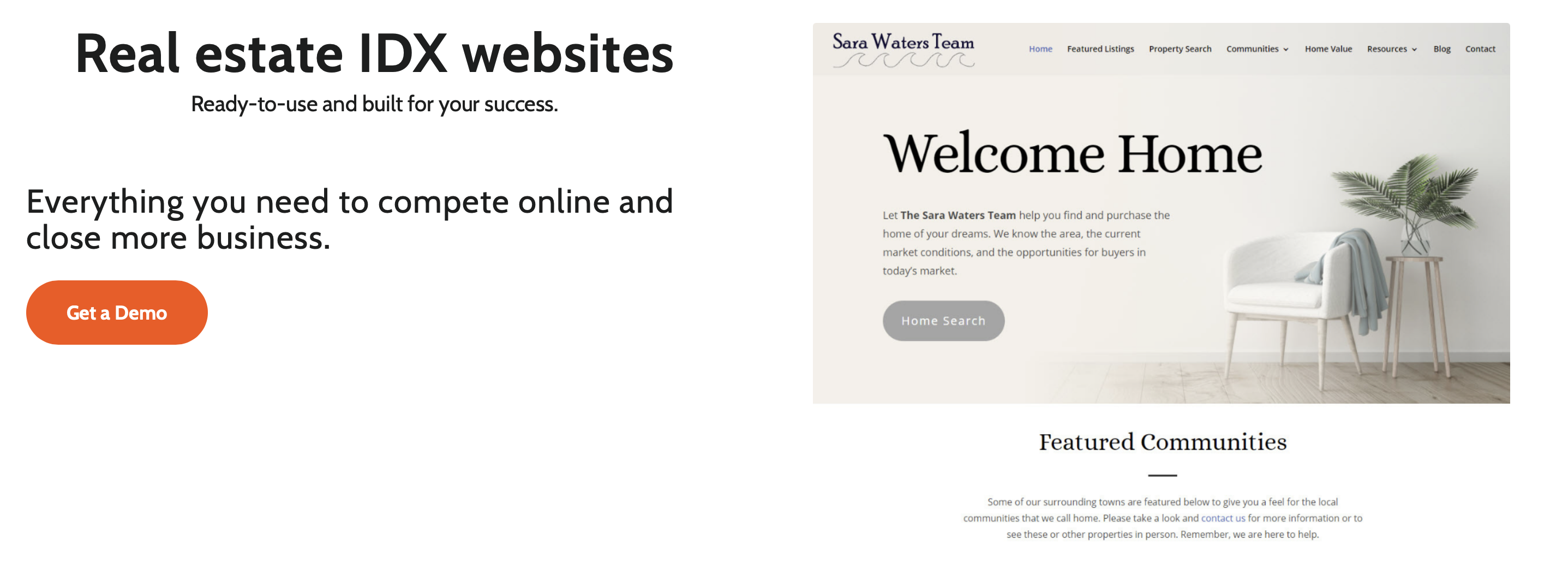
Some platforms make this easier than others. For example, iHomefinder works seamlessly to support real estate themes and customizable listing pages. This gives agents a stronger foundation for both branding and lead generation.
Security and Compliance for IDX Websites
Security matters—both for your business and your clients.
Start with an SSL certificate to protect data from MLS listings and lead forms. Keep your WordPress site, themes, and plugins updated to avoid security issues.
You’ll also need to follow your MLS rules. Make sure your listings display correctly, include required disclaimers, and have a clear privacy policy in place.
A simple security plugin can help monitor your site and catch issues early—so you can focus on running your business with confidence.
Launching and Maintaining Your IDX website
Once your IDX website is live, ongoing maintenance is key to keeping it effective and relevant.
- Regularly update your site with fresh content, such as new listings, market updates, and community news, to keep potential buyers engaged and returning for the latest information.
- Use your IDX provider’s tools to ensure your MLS listings are always current, so visitors can trust that they’re seeing the most accurate properties available.
- Monitor your website’s performance with Google Analytics, tracking important metrics like page views, bounce rates, and conversions to understand how visitors interact with your site.
- Respond promptly to inquiries and comments to build relationships with your audience, and encourage feedback to help you improve your services.
Consistent updates and engagement will help your site remain a valuable resource for buyers and sellers alike.
Measuring Success: Analytics for Your IDX Real Estate Website
To improve your site, you need to know what’s working.
Use Google Analytics to track traffic, page performance, and conversions. Pay close attention to how your capture toolsare performing—how many leads you’re generating and how many turn into clients.
Also look at where your traffic is coming from (search, social, referrals) so you can focus on what drives the best results.
Reviewing this data regularly helps you make smarter decisions and grow your real estate business more effectively.
Common Mistakes When Building an IDX website
Many agents sabotage their own success by making avoidable errors during the build process.
- Using non-indexable IDX solutions that hide data from search engines
- Choosing flashy design over page speed and performance
- Ignoring local SEO pages (and local real estate listings) and focusing on a generic homepage
- Not capturing leads effectively due to broken forms or lack of calls-to-action
- Relying entirely on listings without a broader content strategy
How Long Does It Take to Build an IDX Website?
Most IDX websites take 2 to 6 weeks to build. This timeline depends heavily on your platform choice, how fast your MLS approves the data feed, and the amount of custom content you need to create.
How Much Does it Cost to Build an IDX website?
Costs vary based on your technical skills and platform choices.
- Domain and hosting: $50 to $300 per year.
- IDX provider: $50 to $150 per month.
- Website build: A DIY approach costs only your time and software fees, while hiring a custom developer can range from $1,500 to $5,000+.
Build an IDX Website to Support Your Visibility
The best IDX websites do more than display listings. They help you rank, capture leads, and grow your business over time.
That means having SEO-friendly, indexable pages, accurate listings, and built-in lead capture that turns visitors into clients.
iHomefinder is built for this. It helps you create a high-performing site with indexable listings, built-in lead capture, and seamless MLS integration.
If you want your website to drive consistent organic leads, iHomefinder gives you the foundation to do it. Get a demo.

Leave a Reply
Want to join the discussion?Feel free to contribute!