

In the bustling world of real estate, it’s no longer enough to simply showcase property listings on your website. For real estate agents and brokers seeking to stand out from the crowd and compete against the giants of the industry, a shift in strategy is needed. Providing comprehensive community information within your website’s community pages can be a game changer. This approach not only differentiates your website from competitors but also positions you as a local expert about the communities you serve. By educating buyers and building trust, you’re not just attracting site visitors, but creating lasting client relationships. This is the age of information, where knowledge isn’t just power – it’s a key to unlocking potential business opportunities.
How AI Can Help
Artificial Intelligence (AI), especially models like ChatGPT, is revolutionizing the way we create and consume content, and the real estate industry is no exception. With their ability to process vast amounts of information and generate engaging, informative, and unique content, these AI tools can greatly enhance the community pages on real estate websites.
Why? Because AI and ChatGPT are incredibly effective at transforming raw data into coherent and engaging narratives. Imagine feeding the AI a list of community features – parks, schools, local businesses, crime rates, and more. The AI can then use this data to produce comprehensive content that not only informs potential buyers about the community but does so in a way that is engaging and easy to understand.
Moreover, using AI and ChatGPT for content creation doesn’t require any technical expertise. There are plenty of user-friendly platforms available that make it easy for anyone to get started. You simply input your requirements, and the AI does the rest, saving you time and effort.
In essence, by leveraging AI and ChatGPT, real estate professionals can provide their clients with valuable local knowledge, differentiate themselves from competitors, and ultimately, transform website visitors into potential clients. It’s a powerful tool that’s changing the face of real estate marketing, and you don’t need to be a tech wizard to use it!
Get Started Today With Our Webinar
We recently held a webinar with a special guest host, Michael Thorne, of TMB Real Estate in the Vancouver, BC area. Michael is an iHomefinder client and also happens to be well-versed in using AI and ChatGPT. In this webinar, you’ll hear his story about why he decided to add custom content to the community pages on his team’s website, and how incredibly fast and easy it was using ChatGPT. Michael also touched on the importance of adopting AI for everything you do to work far more efficiently, outsmart your competition, and have more personal time for your life outside of work. And who wouldn’t like that?
ChatGPT – Getting Started
If you’re new to ChatGPT, you’ll find plenty of resources online for help and tips. Here are a couple of essentials:
ChatGPT website – Free accounts are currently offered and the premium version offers more features for $20/month.
How To Write ChatGPT Prompts To Get The Best Results – This article from Search Engine Journal explains how to get better results from your own ChatGPT prompts.
ChatGPT Prompt Examples
A number of ChatGPT prompts are demonstrated in this webinar. Michael has provided these prompts for you to download for your own use. We recommend you watch the webinar to understand how they’re intended to be used. Output from ChatGPT or any other AI tool will always require your evaluation for errors or inaccurate information. iHomefinder does not provide support for these ChatGPT prompt examples.
[av_button label=’DOWNLOAD PROMPT EXAMPLES’ icon_select=’yes-right-icon’ icon=’ue873′ font=’entypo-fontello’ link=’manually,https://app.monstercampaigns.com/c/scr3nxweqwwtguesndg5 rel=”noopener noreferrer’ link_target=’_blank’ size=’large’ position=’center’ label_display=” title_attr=” size-text=’16’ av-desktop-font-size-text=” av-medium-font-size-text=” av-small-font-size-text=” av-mini-font-size-text=” margin=” margin_sync=’true’ padding=” padding_sync=’true’ av-desktop-margin=” av-desktop-margin_sync=’true’ av-desktop-padding=” av-desktop-padding_sync=’true’ av-medium-margin=” av-medium-margin_sync=’true’ av-medium-padding=” av-medium-padding_sync=’true’ av-small-margin=” av-small-margin_sync=’true’ av-small-padding=” av-small-padding_sync=’true’ av-mini-margin=” av-mini-margin_sync=’true’ av-mini-padding=” av-mini-padding_sync=’true’ color_options=” color=’dark’ custom_bg=’#21acd6′ custom_font=’#ffffff’ btn_color_bg=’theme-color’ btn_custom_grad_direction=’vertical’ btn_custom_grad_1=’#000000′ btn_custom_grad_2=’#ffffff’ btn_custom_grad_3=” btn_custom_grad_opacity=’0.7′ btn_custom_bg=’#444444′ btn_color_bg_hover=’theme-color-highlight’ btn_custom_bg_hover=’#444444′ btn_color_font=’theme-color’ btn_custom_font=’#ffffff’ btn_color_font_hover=’white’ btn_custom_font_hover=’#ffffff’ border=” border_width=” border_width_sync=’true’ border_color=” border_radius=” border_radius_sync=’true’ box_shadow=” box_shadow_style=’0px,0px,0px,0px’ box_shadow_color=” animation=” animation_duration=” animation_custom_bg_color=” animation_z_index_curtain=’100′ hover_opacity=” sonar_effect_effect=” sonar_effect_color=” sonar_effect_duration=’1′ sonar_effect_scale=” sonar_effect_opac=’0.5′ css_position=” css_position_location=’,,,’ css_position_z_index=” av-desktop-css_position=” av-desktop-css_position_location=’,,,’ av-desktop-css_position_z_index=” av-medium-css_position=” av-medium-css_position_location=’,,,’ av-medium-css_position_z_index=” av-small-css_position=” av-small-css_position_location=’,,,’ av-small-css_position_z_index=” av-mini-css_position=” av-mini-css_position_location=’,,,’ av-mini-css_position_z_index=” id=” custom_class=” template_class=” av_uid=’av-llr7yf5b’ sc_version=’1.0′ admin_preview_bg=”]
[av_video src=’https://youtu.be/aXBufqv7Vak’ mobile_image=” attachment=” attachment_size=” format=’16-9′ width=’16’ height=’9′ conditional_play=” id=” custom_class=” template_class=” av_uid=’av-llr7gl60′ sc_version=’1.0′]
Resources
Schedule A Demo
Reserve a personal 15-minute demo & consultation with an account executive.
Free Trial
If you don’t have an iHomefinder account, start your 30-day free trial which includes our Agent CRM and Optima Leads, our mobile app for agents.
Upgrade Your Account
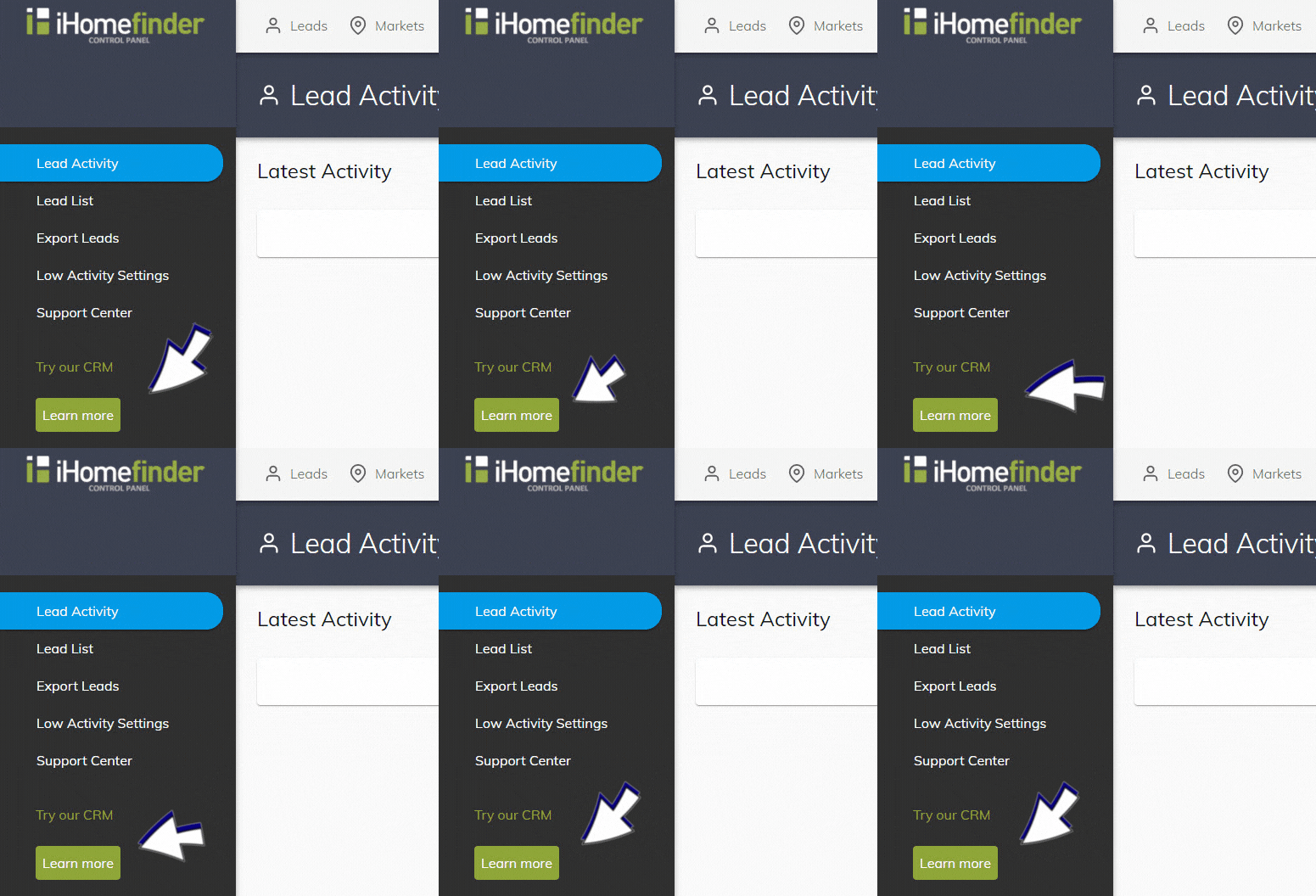
If you have an agent account plan, you can activate the CRM in your IDX Control Panel (shown below). Underneath “Try our CRM”, select the green “Learn more” button. Once activated, you can use the CRM without charge for 2 weeks.
Webinars
Save your spot for our next monthly webinar for an introduction to iHomefinder account features and benefits, or watch a recording.
Support
Our Support Center is full of resources like our searchable Knowledge Base and training webinars to help you get the most value from your account.
Contact Us
Send us your questions, we’re here to help!
Recent Articles
[av_postslider link=’category,723,722′ wc_prod_visible=” prod_order_by=” prod_order=” date_filter=” date_filter_start=” date_filter_end=” date_filter_format=’yy/mm/dd’ items=’-1′ offset=’0′ contents=’excerpt’ columns=’5′ preview_mode=’auto’ image_size=’portfolio’ autoplay=’no’ interval=’5′ alb_description=” id=” custom_class=” av_uid=’av-kijk506k’]